OmoroShoot briefRoll 022Ser.05
Photos in Custom Shapes aesthetic photography reference
RecTC 00:00:00:00

Photos in Custom Shapes

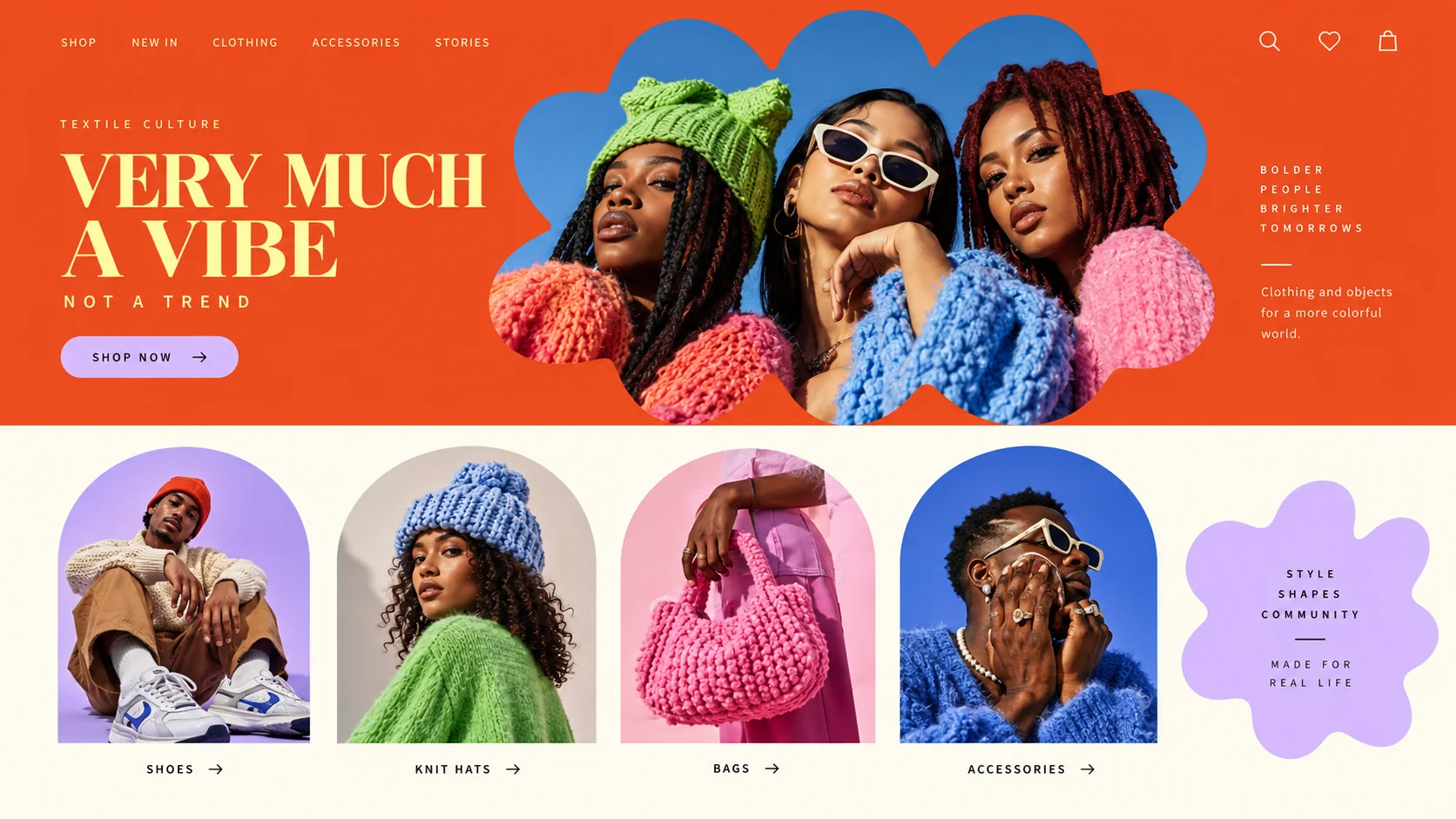
Shoot clean, crop bold: the shape does the styling

Roll 0224 frames0 / 4 shot
Frames00/04
custom shape photos
SET

The setup

Shoot briefHD[custom shape p]00:00:00:00Stop ■
Brief Int(custom-shape.BRF)

Photos in Custom Shapes

01 LightBright, even studio light or clear daylight. Busy shadows fight the crop edges; clean light lets the shape read.
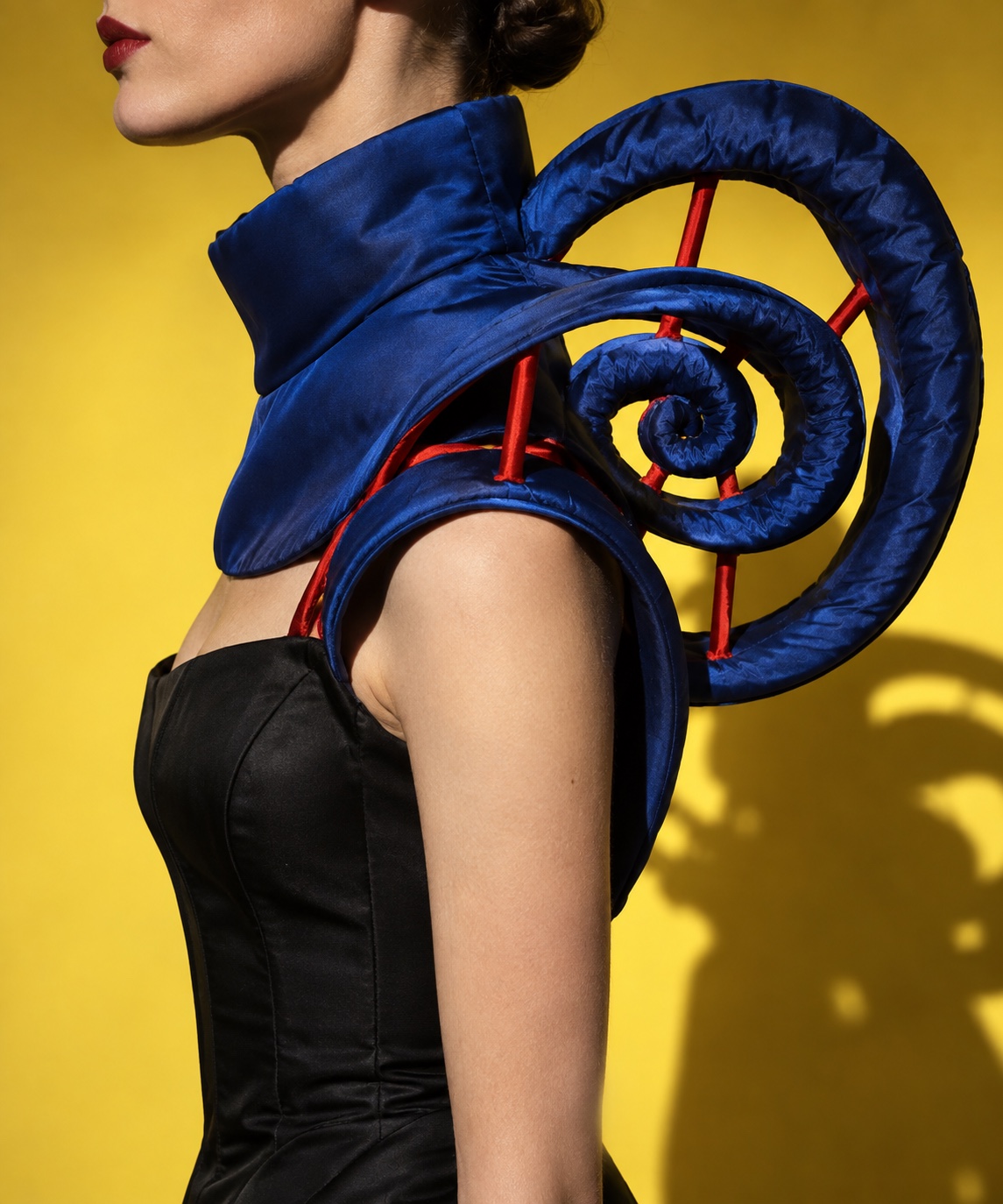
02 WardrobeStrong colour and texture, such as chunky knits, bold prints and statement accessories. They hold up inside a small shape.
03 LocationSeamless colour studio
04 Palette
DIR

Director's note

Shoot wider than you think. Every custom shape needs spare image around the subject to crop into.

All 151 director’s notes, printable: Director’s Briefs, $8
VF

Viewfinder

Live

Four controls on the brief's own plate · the meter is real, so you can blow a frame

Photos in Custom Shapes reference frame
Standby50mmf/5.6 · 1/125 · ISO 400

Running the list sets the camera for every shot in turn. Load your own photo to light and expose a frame you actually shot.

LGT

Light the set

3 lamps

Drag a lamp and watch the frame above change. The brief's own note is the preset

KeyThe light that makes the pictureSoft, farEye level
FillHow far into shadow you can seeHard, closeEye level
BackRound at the front, where it is just another fillOffEye level
On the brief
CS

Contact sheet

00 / 12

Nothing on the sheet yet. Set the camera, then take a frame.

SEQ

Shot list

00 / 04

Tap a pad to mark the frame shot · saved on this device

Full-length model shots on a plain backdrop, with room around the figure to crop into a flower or blobenvironment35mm
Tight portraits centred for arch and circle windowsportrait85mmthru glass
Product shots from above on flat colour, ready to sit inside a numeralsetup50mm
A group shot that can be split across several shaped windows on one pagesetup50mmthru glass
Rolling
Take it to set: all 151 briefs as one PDF · $8
LOC

Locations

04
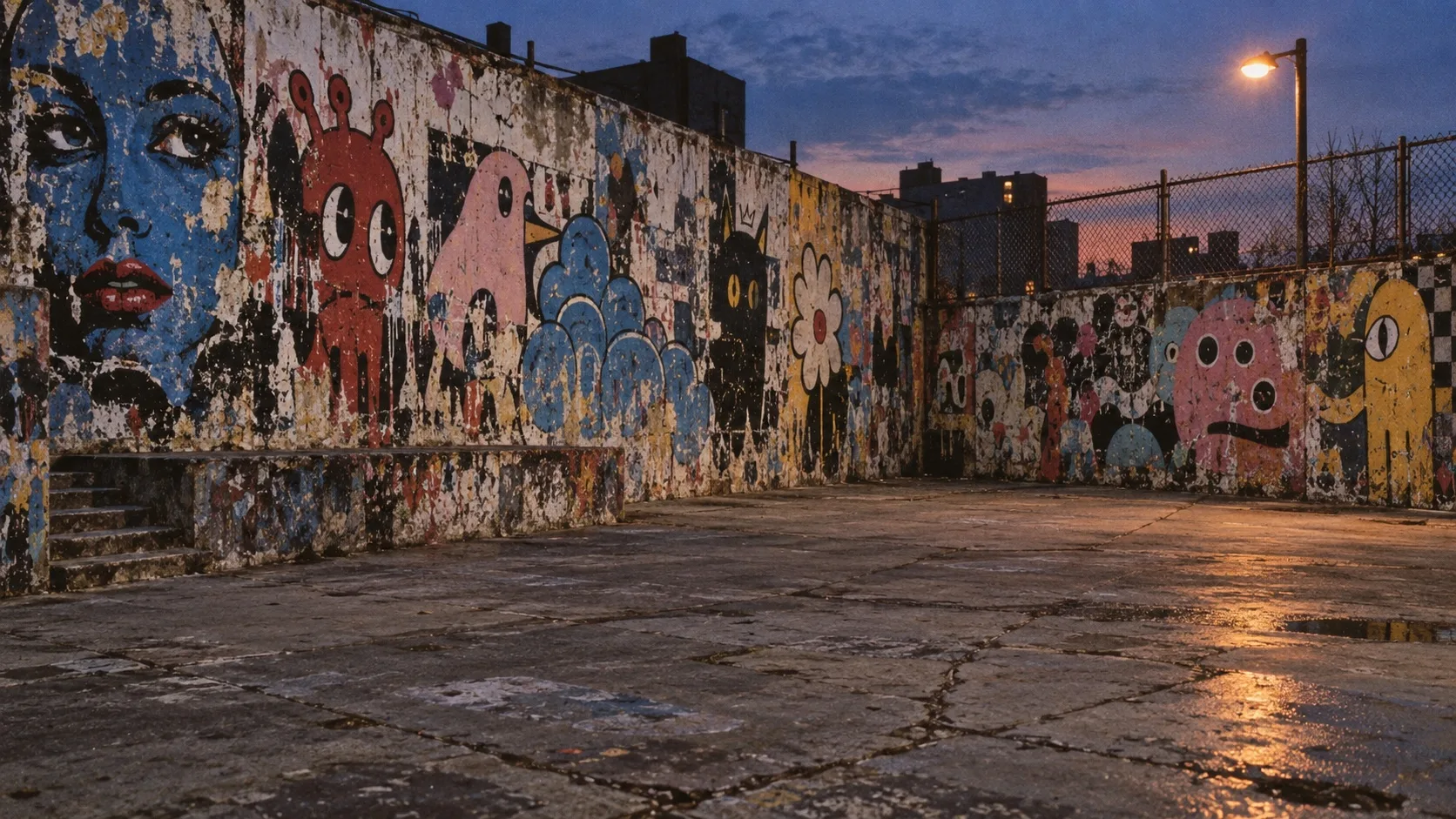
Seamless colour studioSunny street wallSimple interior with one bold colourRunway or stage for event recaps
REF

Explore the aesthetic

Style guideColor palette
DOC

About this brief

How do I photograph the Photos in Custom Shapes aesthetic?

Shoot clean, crop bold: the shape does the styling.

Shoot wider than you think. Every custom shape needs spare image around the subject to crop into.

Director's note

What shots should I get for a Photos in Custom Shapes photo shoot?

Leave with every frame on this list.

Shot list

  1. Full-length model shots on a plain backdrop, with room around the figure to crop into a flower or blob
  2. Tight portraits centred for arch and circle windows
  3. Product shots from above on flat colour, ready to sit inside a numeral
  4. A group shot that can be split across several shaped windows on one page
What lighting works for Photos in Custom Shapes photography?

Bright, even studio light or clear daylight. Busy shadows fight the crop edges; clean light lets the shape read.

Light

Where should I shoot Photos in Custom Shapes photography?

Scout these before anything else.

Locations

  1. Seamless colour studio
  2. Sunny street wall
  3. Simple interior with one bold colour
  4. Runway or stage for event recaps
What wardrobe works for Photos in Custom Shapes photography?

Strong colour and texture, such as chunky knits, bold prints and statement accessories. They hold up inside a small shape.

Wardrobe

Omoro Studio · Creative System

Generate shoot references in the Photos in Custom Shapes style

Omoro reads your visual references and generates images in your exact aesthetic. Build a mood board before the shoot or create composite references for your client.

Join the waitlist