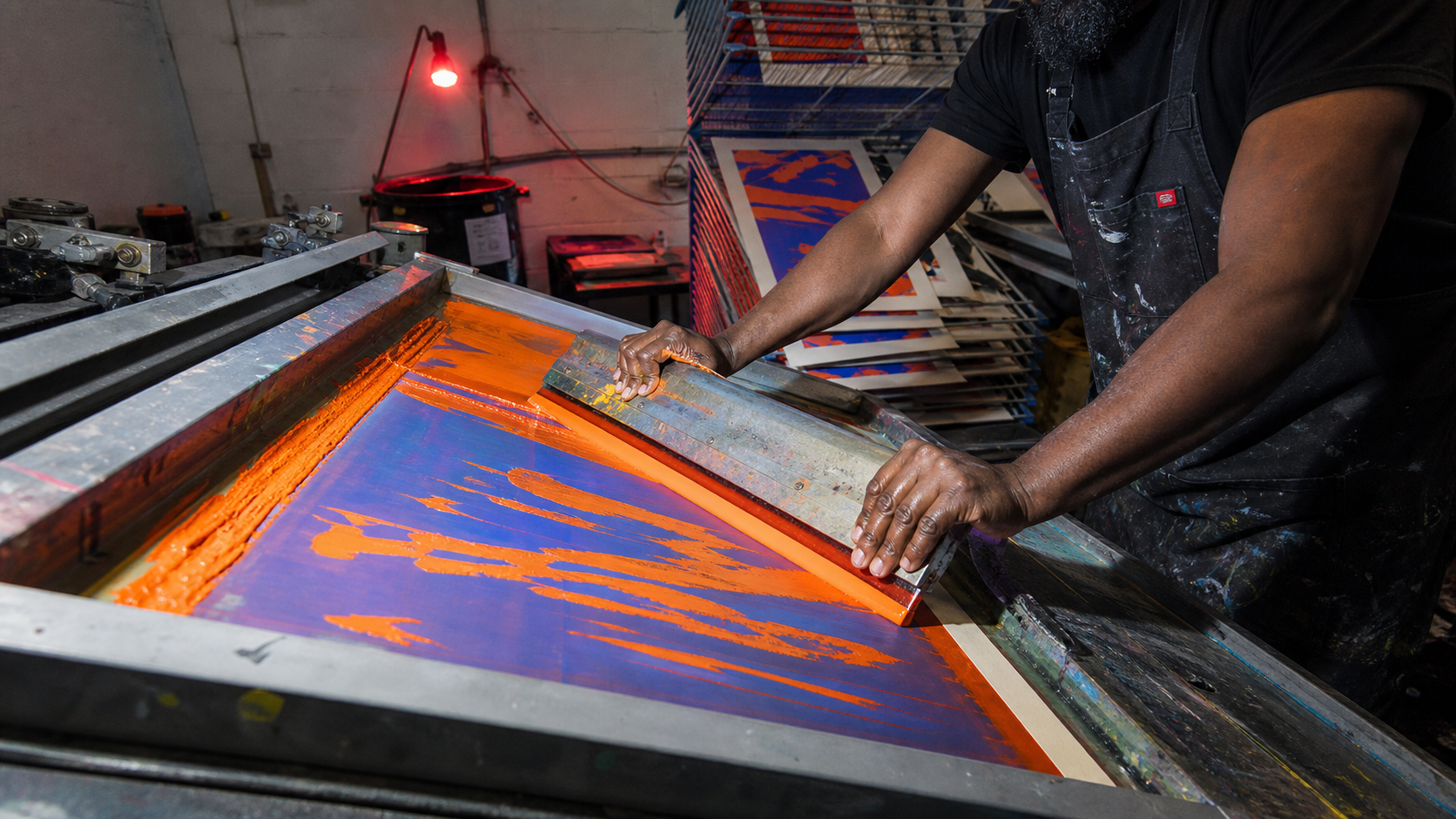
Screen Printing

Opaque overprint - fluorescent ink through mesh

Omoro Spectrolab · Color Analysis Sampling Live
PaletteScreen Printing
Batch038-SP
Pigments0 / 5 Sampled
MoodOpaque overprint - flu
Drawdown Recordtap a pull to copy hex
Omoro Color Laboratory - Drawdown Record038-SP / 5 PULLS

opaque overprint - fluorescent ink through mesh

Sampled Pigment- - - - - -
Awaiting SampleRGB - · - · -
● SENSOR OKHEX COPIED ✓
Export Tray - Digitized SwatchesEMPTY
SLOT 01
SLOT 02
SLOT 03
SLOT 04
SLOT 05
Screen Printing aesthetic example
In usescreen printing
Hex Reference
#171717Carbon Ink
#FF5A1FSafety Orange
#2450D8Process Cobalt
#E92472Fluoro Magenta
#F3E9D2Uncoated Stock
The Aesthetic

A stencil-through-mesh process defined by dense flat ink, layered color, halftones, and the productive tension of registration

Explore the full Screen Printing style guide
Related Palettes
Printmaking
Pop Art
Punk Grunge
Poster Collage
Build a Brand Kit with Screen Printing
Not quite the palette you need? Generate your ownExtract from an image or build from a color wheel. Free
About This Palette
What colors are in the Screen Printing color palette?
The Screen Printing palette contains 5 colors: Carbon Ink (#171717), Safety Orange (#FF5A1F), Process Cobalt (#2450D8), Fluoro Magenta (#E92472), Uncoated Stock (#F3E9D2).
What mood does the Screen Printing color palette convey?
Opaque overprint - fluorescent ink through mesh
How do I use the Screen Printing color palette?
The screen printing palette works best for Independent studios, Music and festival identities, Streetwear labels.
What are the hex codes for the Screen Printing palette?
The Screen Printing palette hex codes are: #171717, #FF5A1F, #2450D8, #E92472, #F3E9D2.

Generate images in the screen printing palette

Omoro reads your visual references and generates in your world. Drop in images with this palette and it extracts the DNA automatically.

Join the waitlist